الفريق والصلاحيات
Add instructors with their email, pay plan and class families, add admins with a salary and a role, and set the employment dates payroll prorates from.
Staff come in two kinds, and the difference is about money, not seniority: instructors are paid for teaching, admins run the desk and are paid a salary and optionally a sales commission.
Instructors
Staff → Instructors → Add Instructor.
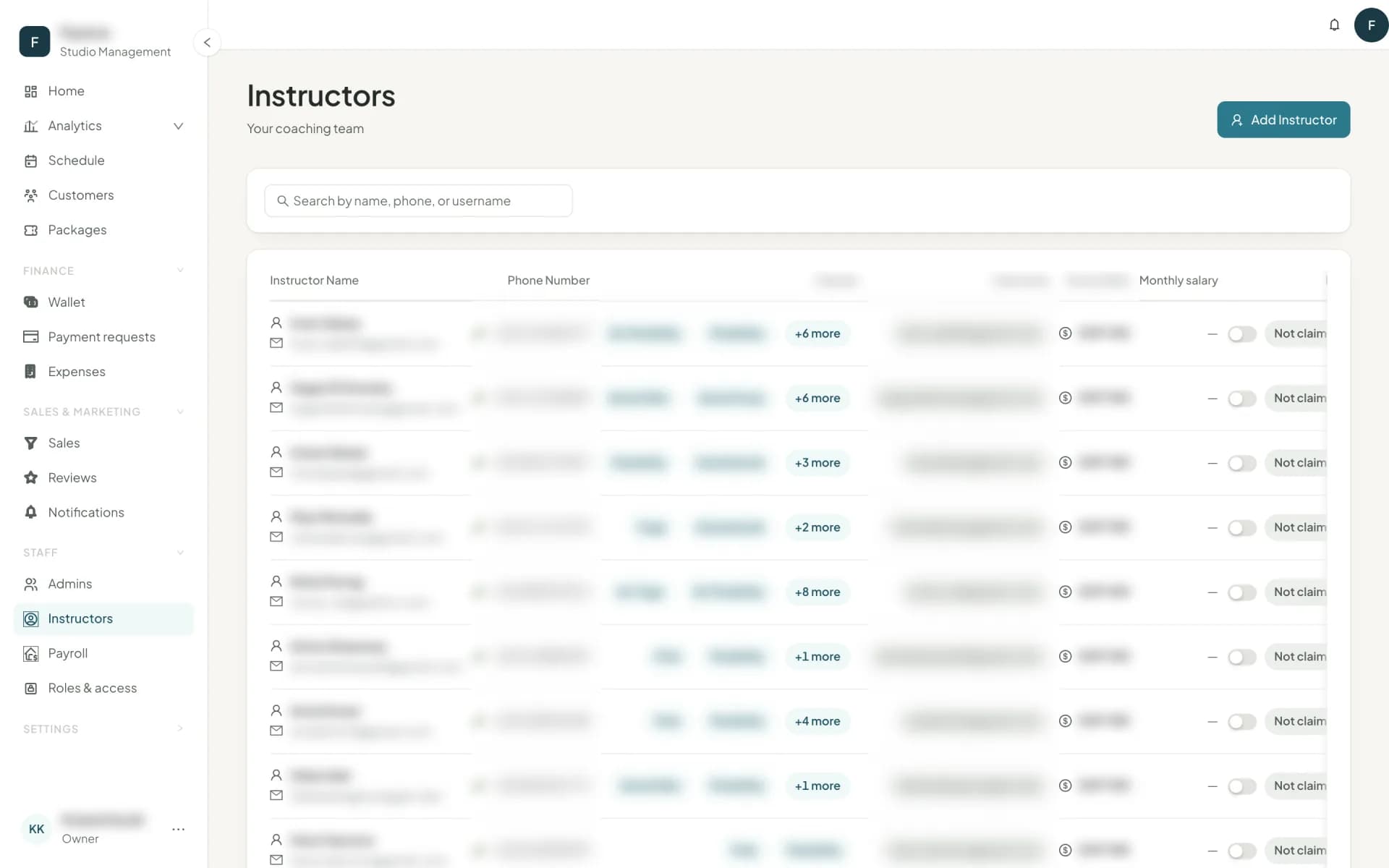
| Field | What it does |
|---|---|
| Classes | The class families they may teach. The session form filters instructors by this. |
| Pay | Their pay plan: one of six schemes — Flat rate per class, % of class revenue, Basic + per customer, Attendance tiers, Hourly rate or Monthly salary — with its amounts, on an hourly or flat-rate plan an optional Different pay for private sessions (a fixed amount for each private session), and the date it applies from. The form shows a live example of what a class would pay. See how pay is calculated. Only roles that can manage staff see this section. |
| Employment start / end | What payroll prorates a monthly salary by, and the earliest date a pay plan can apply from. An empty end date means still employed. |
| Required: it is their Owelz instructor account, and what they sign in with. Owelz emails them an invitation to choose their own password — you never set or see it — or, if they already have an account from another studio, adds your studio to it and tells them. Adding an instructor here sends it at once; instructors brought in with Import data are not emailed and show Not invited yet until you press Invite to the app on the Instructors page (for everyone not yet invited, or the ones you tick). The roster shows Invited until they set a password, then Active; from then on they manage their own email and password, and you can no longer change them. In the Owelz instructor app on iPhone and Android they see today's classes and their schedule, who is booked — names only, never phone or email — with each customer's injury restriction, and My record: classes, fill, rating and pay at every studio they teach for, in each studio's currency, with How you're paid at each. See the instructor app. |
An instructor with no classes cannot be put on a session; the roster flags them with No classes — fix until you pick what they teach.
Admins
Staff → Admins → Add Admin.
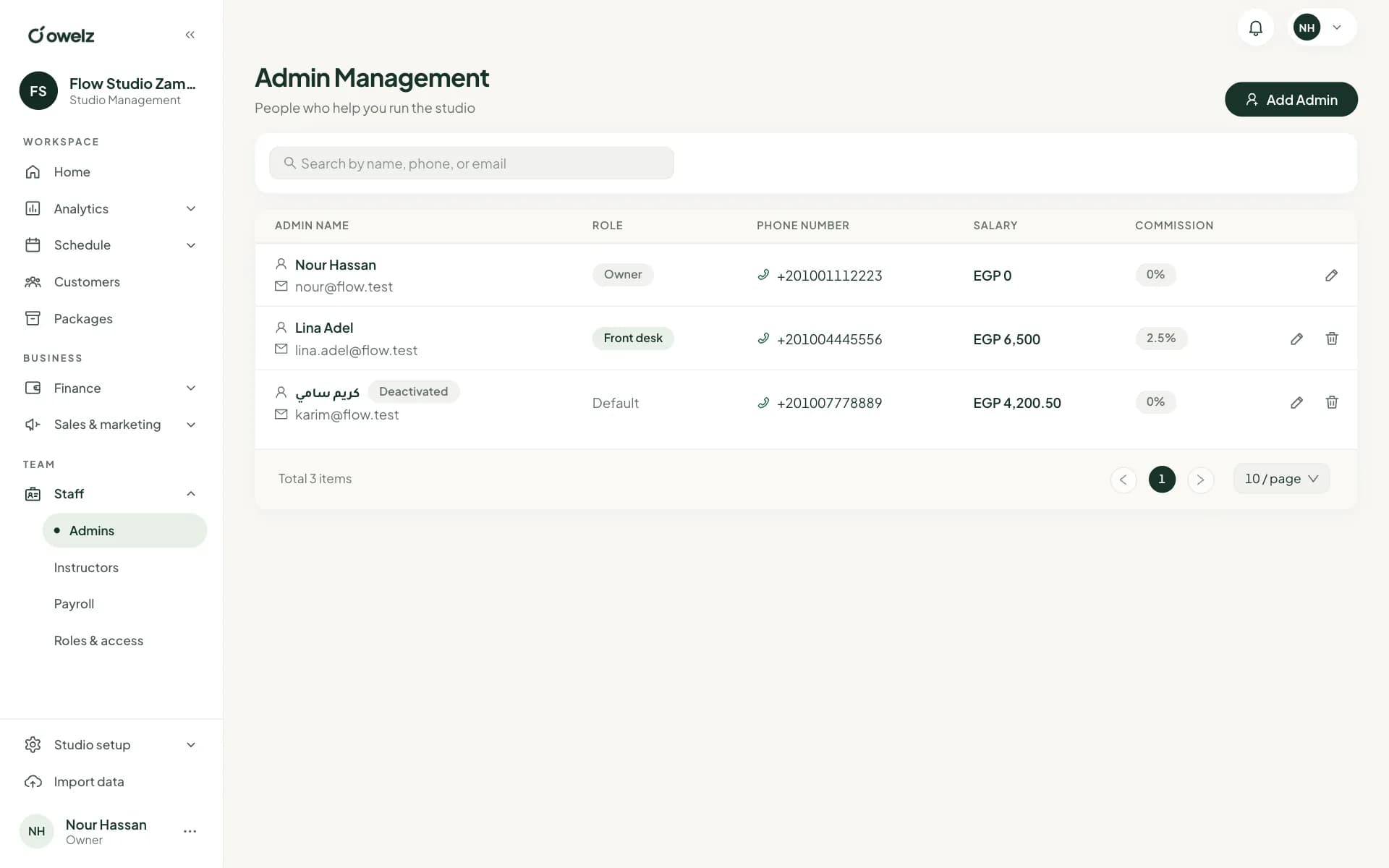
An admin signs in to the dashboard and the Studio Owner app with their email and password; there is no username. If the same email is an admin at more than one studio, they pick the studio after their password. Only the owner can change another admin's email or password.
Beyond the sign-in details, an admin carries three things that matter later:
- Salary — a monthly figure, prorated by employment dates, that appears on their payslip.
- Sales commission — a percentage of what they sell. When a package is sold with them as the salesperson, the commission lands on their next payslip automatically, with the purchases it came from listed.
- Role — what they may see and do. This is the important one.
Next
Decide what each admin can open: roles and permissions →
أسئلة شائعة
- How is an instructor paid for a session?
- By their pay plan: a flat rate per class, a percentage of the class's revenue, a basic amount plus an amount per customer, attendance tiers, an hourly rate, or a monthly salary that covers every class. An hourly or flat-rate plan can also pay private sessions a fixed amount of their own. By default a class nobody attended pays nothing; Payroll settings can change that.
- Can I delete a staff member who has unpaid payslips?
- No. Owelz blocks the removal and links you to payroll. Approve and pay their open month first — otherwise the money they are owed would disappear from the record. Someone removed is never erased: they stay on file with their history and can no longer sign in.
آخر تحديث 14 نوفمبر 2026