
مخاطر الأعضاء والخطط
How Owelz scores who is likely to leave, what each factor means, and the four standing plays that turn that score into calls with measured results.
The score
Every paying member gets a score out of 100 and a band: Fine · Slipping · Likely to leave · Churned. Click the score and you get the whole breakdown — no black box.
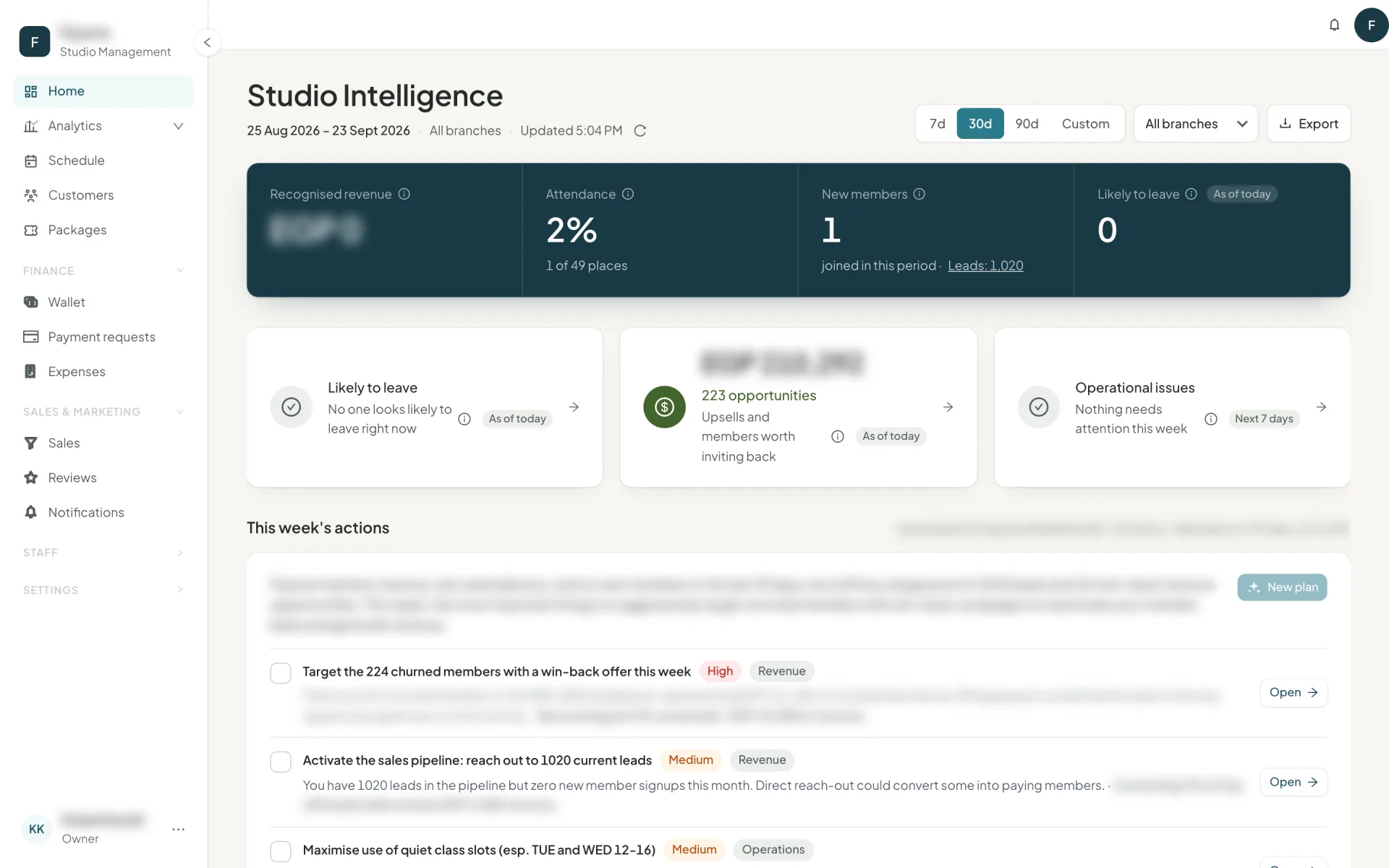
Four factors contribute:
| Factor | What triggers it |
|---|---|
| Attendance drop | "Was coming 3 times a week until 2 March, then stopped" |
| Time since last visit | "Last came on 14 February, 37 days ago" |
| Package ending unused | "Package ends in 6 days with 5 of 8 classes unused" |
| New member | "Member for 21 days · 0 classes attended" |
Each row states what is going on and a suggested action written as an instruction: "Call and help them book the remaining 5 — the package ends in 6 days."
Sort by most likely to leave, longest since last visit, or highest value. Search, filter to a band, and export the list.
Segments
Four segments cut the same list differently, and a member can be in more than one:
- VIP — the top slice by lifetime spend.
- New — joined in the last 30 days.
- Dormant — no class in a long while and nothing valid.
- Growth — attending markedly more than in their previous four weeks. These are the people to ask for a referral or a review.
The four playbooks
Standing plays, each with a target list, an estimated monthly value and measured results:
| Playbook | Activates when | The move |
|---|---|---|
| Keep members who look likely to leave | A member's status becomes Likely to leave | Contact within a day |
| Win back churned members | Their last paid package ended 60 days to a year ago | A comeback offer |
| Upsell to a bigger package | Attendance exceeds package credits | "They save 40 a class, you gain 600 a month" |
| Improve onboarding | A new member has not attended within 7 days | A welcome call and a first booking |
Each says why it is showing, how many people it has, what it is worth, and how many have been contacted and converted. A playbook with nobody in it says so plainly rather than inventing work.
Campaign results — measured, not claimed
When you call, WhatsApp or email from a playbook list, the contact is logged. Campaign results then reports: contacted, responded, converted, the revenue that arrived within the attribution window, and the rates — against the previous period.
How to actually use this
Open Home each morning
Take the Likely to leave card first. It is the cheapest revenue in the building — keeping a member costs a phone call.Work the list from the top
It is sorted by risk. Use the row's Call or WhatsApp button so the outreach logs itself.Do upsell weekly, not daily
It is a different conversation, and it goes better when you are not also saving someone.Check campaign results monthly
Keep the play that converts, drop the one that does not, and change what you say in the one in between.
Next
The full reporting suite: reports →