Customer risk and playbooks
How Owelz scores who is likely to leave, what each factor means, the four segments, and the four standing plays that turn that score into calls.
The score
Every customer holding a package, or whose last one ended in the past 60 days, gets a score out of 100 and a status: Fine · Slipping · Likely to leave. Click the score and you get the whole breakdown — no black box. Customers who have gone — no package for 60 days, or no class in 6 months — are Churned, and move out of this table into the win-back list (Customers → Churned). A package counts whatever its price.
The table lives in Customers → Risk analytics and again on Analytics → Customers.
Four factors contribute:
| Factor | What triggers it |
|---|---|
| Attendance drop | "Was coming 3 times a week until 2 March, then stopped" |
| Time since last visit | "Last came on 14 February, 37 days ago" |
| Package ending unused | "Package ends in 6 days with 5 of 8 classes unused" |
| New customer | "Customer for 21 days · 0 classes attended" |
Each row states what is going on and a suggested action written as an instruction: "Call and help them book the remaining 5 — the package ends in 6 days."
Sort by most likely to leave, least likely, longest since last visit, or highest lifetime value. Search by name, email or phone, filter to a status, and Export CSV. Within a status, the customers worth the most to you come first.
Segments
Four segments cut the same list differently, and a customer can be in more than one:
- VIP — the top 10% of everyone who has ever paid, by lifetime spend net of refunds.
- New customers — joined in the last 30 days, bought or not.
- Not coming — no class in 30 days or more (or never), and no valid package.
- Growing — at least 1.25× as many classes in the last four weeks as in the four before, with at least four recent classes. These are the people to offer a bigger package, or to ask for a referral or a review.
Show in table filters the risk table to a segment.
The four playbooks
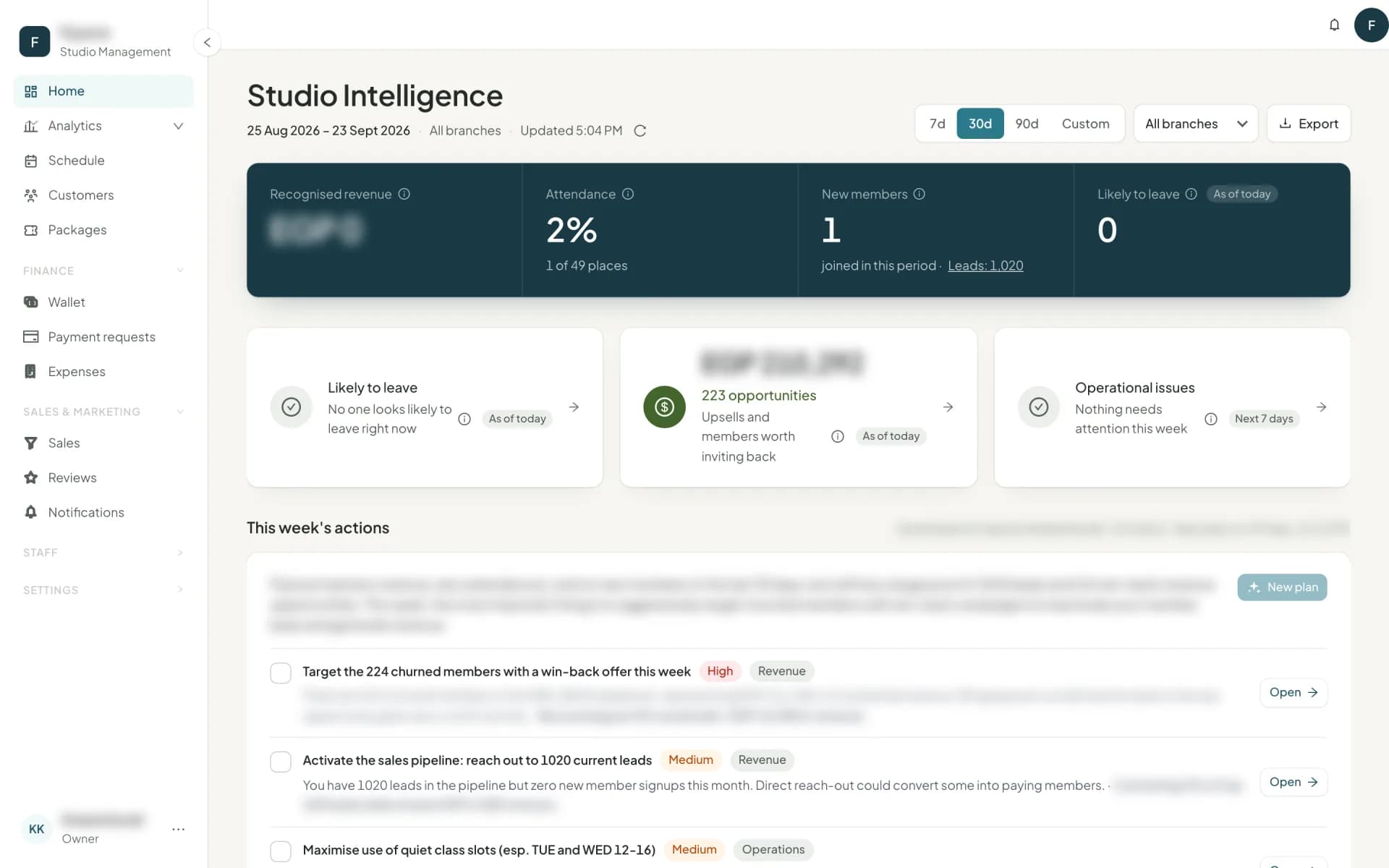
On Home, under Go deeper. Standing plays, each with a target list and an estimated monthly value:
| Playbook | Activates when | The move |
|---|---|---|
| Keep customers who look likely to leave | A customer's status becomes Likely to leave | Contact within a day |
| Win back churned customers | Their last package ended 60 days to a year ago | A comeback offer |
| Upsell to a bigger package | Attends more classes than the package includes | "They save 40 a class, you gain 600 a month" |
| Improve onboarding | A new customer has not attended within 7 days | A welcome call and a first booking |
Each says why it is showing, how many people it has, what it is worth, the steps to take, and a priority. Once you start, it counts progress — 12 of 30 contacted · 3 awaiting a reply. Open target list takes you to the matching list in Customers: Risk analytics, Churned, Upsell, or the new customers who have not attended yet. A playbook with nobody in it says so plainly rather than inventing work.
Under a branch filter, the win-back, upsell and onboarding plays show Not per branch instead of a branch number they cannot compute.
How to actually use this
Open Home each morning
Take the Likely to leave card first. It is the cheapest revenue in the building — keeping a customer costs a phone call.Work the list from the top
It is sorted by risk. In the card's list, the row's Call, WhatsApp and Email buttons log the outreach themselves.Do upsell weekly, not daily
It is a different conversation, and it goes better when you are not also saving someone.Log every contact
Tapping Call, WhatsApp or Email in a Home alert card's list logs itself; on the lists in Customers, and for anything else, use Log action on the row. The playbook counts are only as good as the log.
Next
The full reporting suite: reports →
Common questions
- How is the risk score calculated?
- Four factors add points out of 100 — attendance drop, time since last visit, a package ending unused, and being new without attending. Every customer's breakdown is shown in full.
- Does Owelz send the retention messages for me?
- Not from the playbooks. They tell you who to contact, why, and what to say, and keep count of who has been contacted. The conversation is yours — which is why it works. Offers that go out by themselves are Promotions.
- Where is the customer risk table?
- In two places: Customers → Risk analytics, and Analytics → Customers. The churned customers have their own tab in Customers.
Last updated 6 October 2026