
Expenses
Log what it costs to run the studio — rent, utilities, marketing, equipment — by category and branch, and see it against what came in.
Expenses is the money-out half of the wallet, on its own page with its own analysis.
Logging one
Log expense:
| Field | Note |
|---|---|
| Amount | What left. |
| Category | Your list from Company details — or add one here. |
| Paid by | Cash or digital. Cash comes out of the cash box; digital does not. |
| Date | The day the money left — today unless you say otherwise. |
| Note | Supplier, invoice number, anything you will want to read back. |
| Branch | Or leave it as the whole studio. |
If a cash expense takes the cash box negative, Owelz records it and tells you: "Recorded — but the cash box is now −1,200. Wages and expenses are often paid from money the app doesn't track." It is information, not a block.
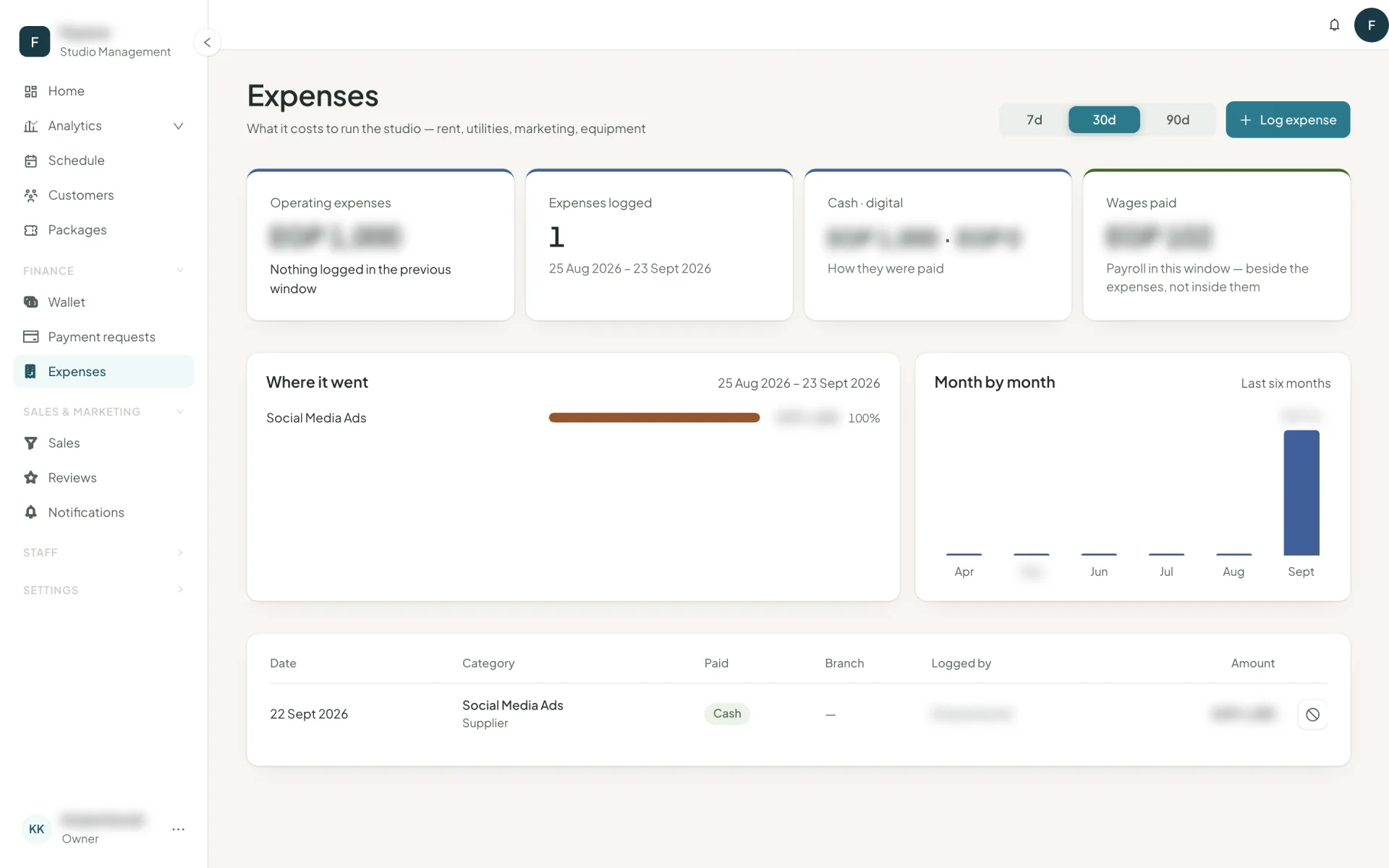
What the page shows you
- Operating expenses for the window, with the change against the previous window.
- Expenses logged — the count.
- Cash · digital — how they were paid.
- Wages paid — payroll in the same window, beside the expenses rather than inside them.
- Where it went — by category, biggest first.
- Month by month — the last six months, which is where a creeping cost shows itself.
Voiding
Mistakes get voided, not deleted, and a reason is required. The expense stays on record marked as voided; if it was cash, the money returns to the cash box. Nothing moves for a digital one, because nothing left the drawer.
Categories that earn their keep
Five to ten. Rent, utilities, marketing, equipment, maintenance, supplies, professional fees. Enough to answer "where did it go", few enough that the breakdown fits on one screen.
Retire a category you have stopped using — it disappears from new expenses, and the ones already logged keep its name so your history does not rewrite itself.
Profit
Analytics → Expenses & profit puts collected against expenses and payroll per period, and goes further: what each class and each instructor leaves after the cost of teaching it. That is the report that tells you which of your classes is actually paying for the room.